01 / THE PLAYER
Less tapping.
More getting into it.
Swipe to seek, adjust brightness and volume, switch subtitles or audio tracks, and resume right where you stopped.
YOUR STREAMING UNIVERSE
A little more choice. A lot less clutter. Bring your addons together in a free, open-source streaming app made for your Android.
No in-app ads. No account required.
Just you, your addons, and what’s next.
Open source MIT licensed
Android first Phones & tablets
Your choice Telemetry off by default
No in-app ads Room for what matters
LESS FRICTION. MORE WATCHING.
Find your next watch, pick up where you left off, and keep the controls close. Plavio brings it all together.
Swipe to seek, adjust brightness and volume, switch subtitles or audio tracks, and resume right where you stopped.
Bring catalogs, metadata, subtitles, and streams together. Add a Stremio-protocol manifest URL and make your setup your own.
Continue Watching saves your progress. Keep a watchlist for the things you’ll get to next.
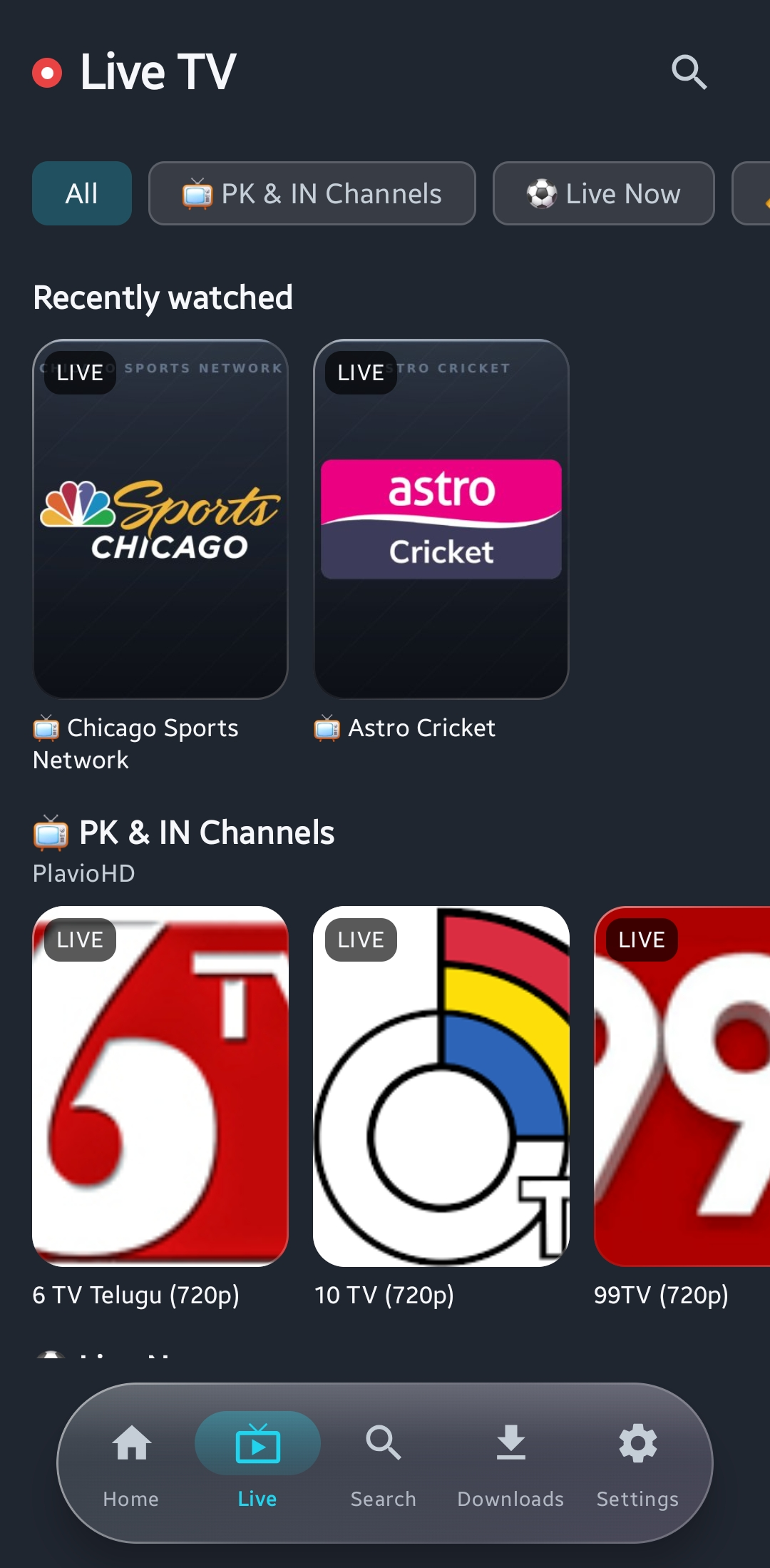
A dedicated Live tab keeps channels from your addons together, away from your movie night.
A CLOSER LOOK
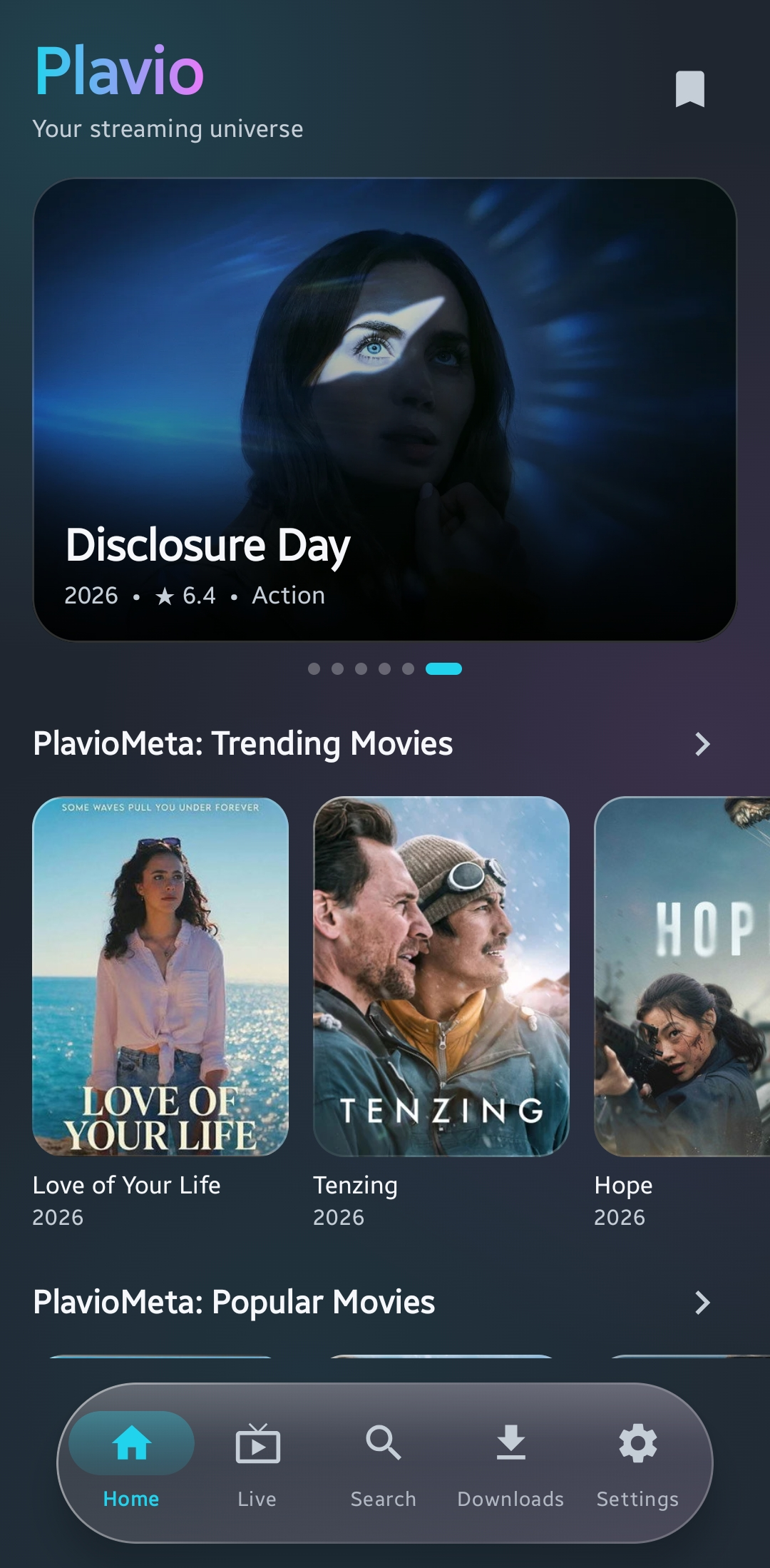
Six real screens. One familiar place for your next watch. Explore the current app, from Home to your addon setup.
Swipe or scroll to explore all six
Featured titles & movie catalogs
Categories & recently watched
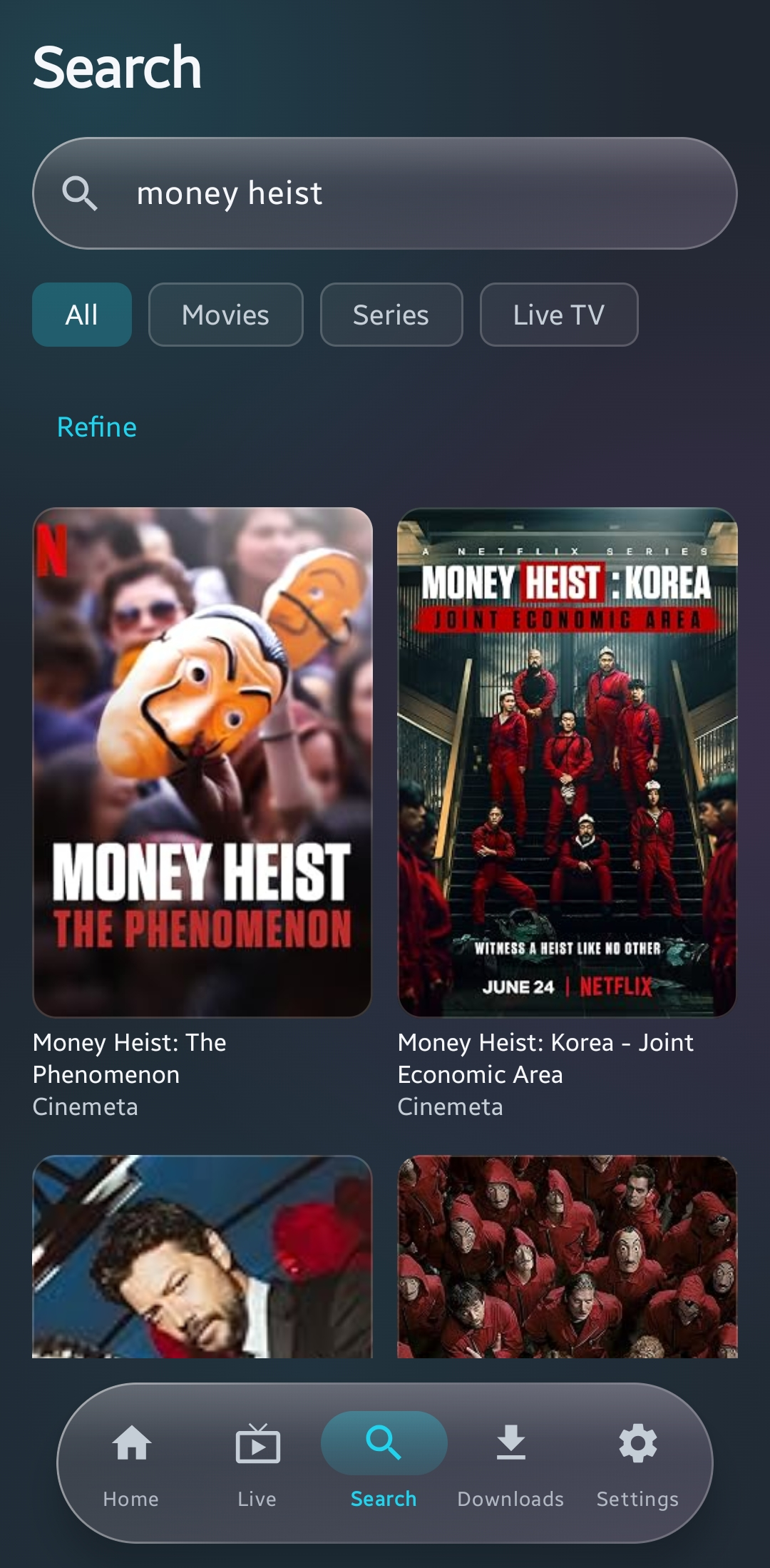
Find a title. Refine your results.
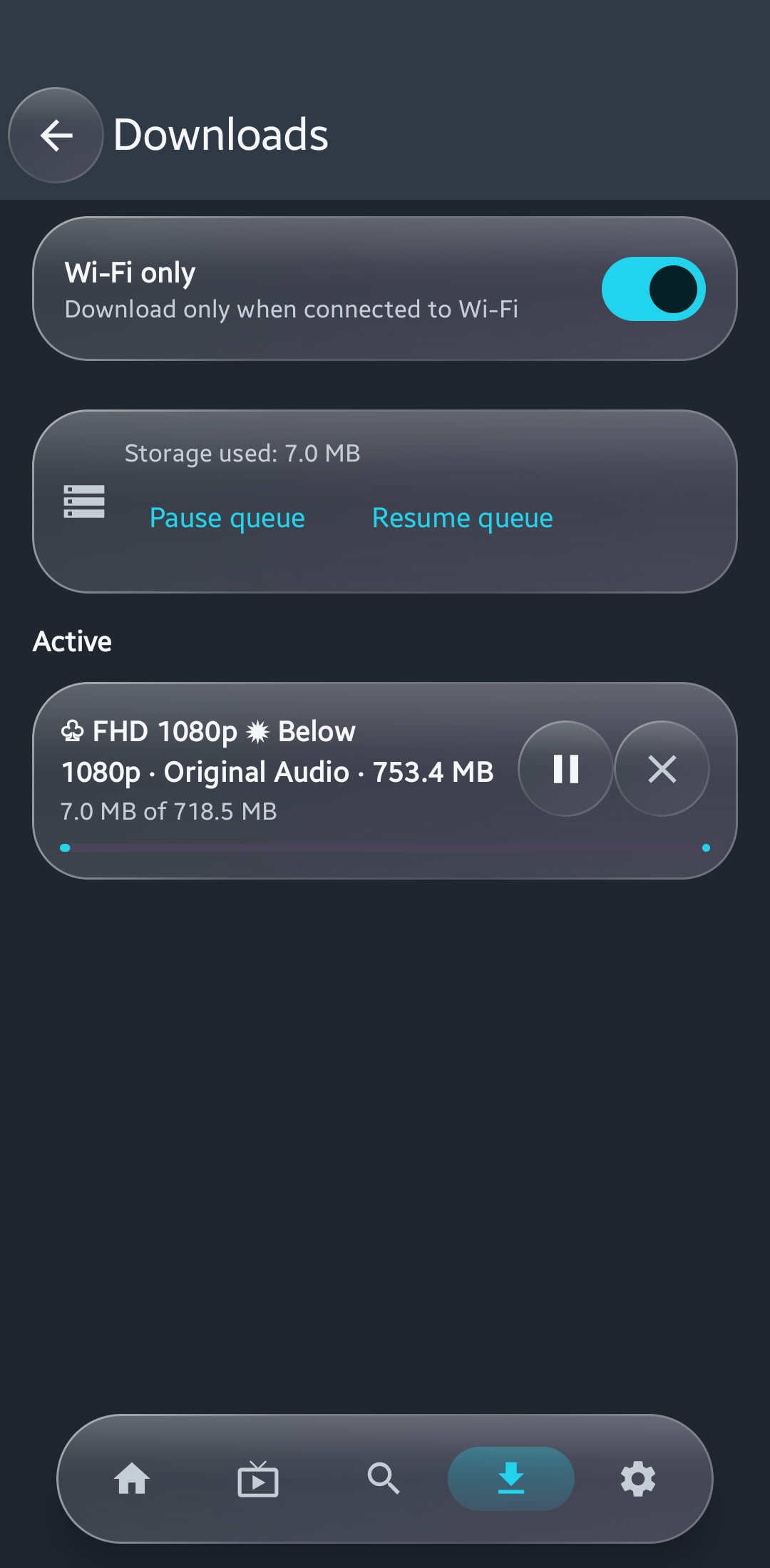
Your queue, at a glance
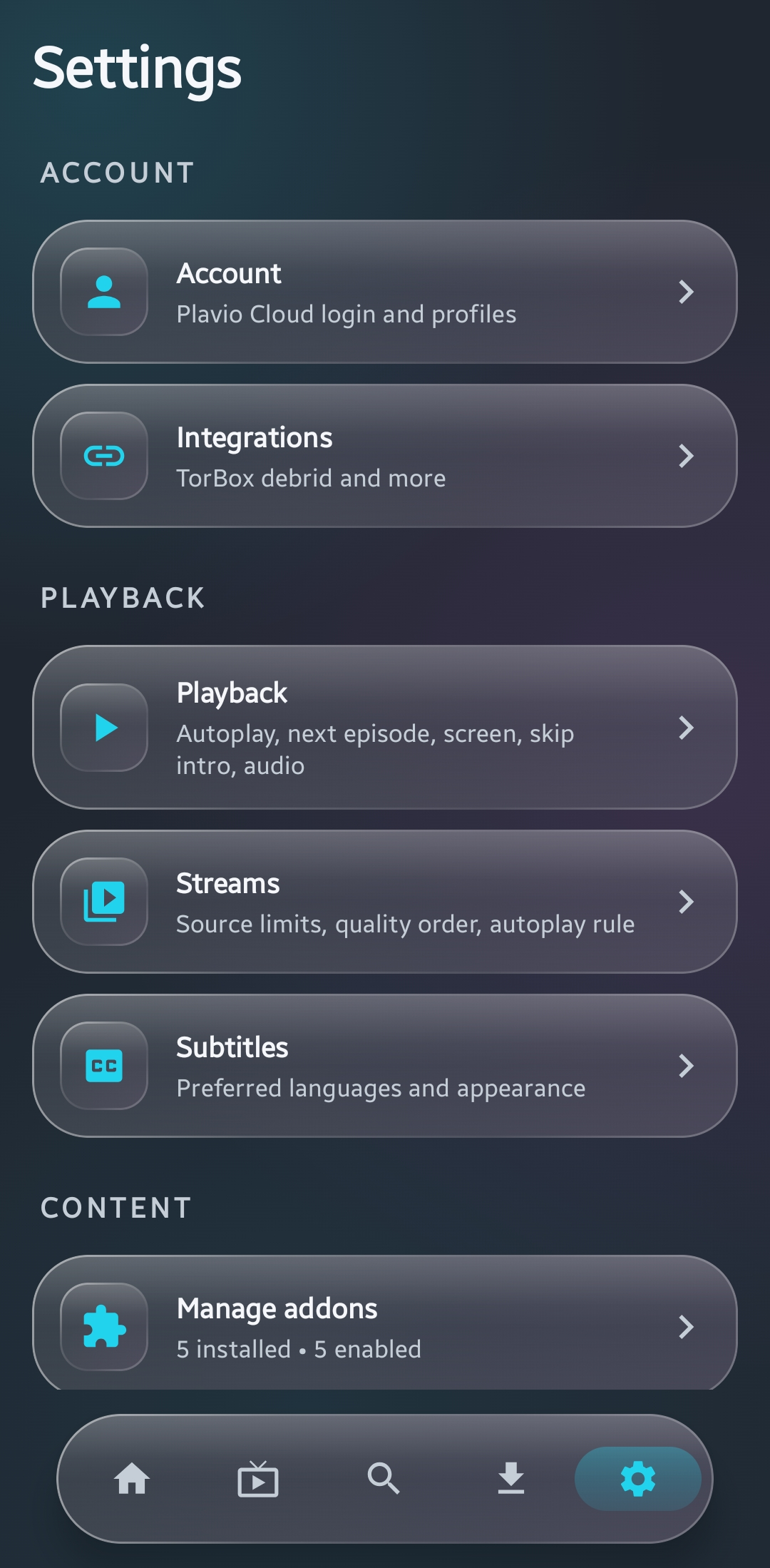
Make the details work for you
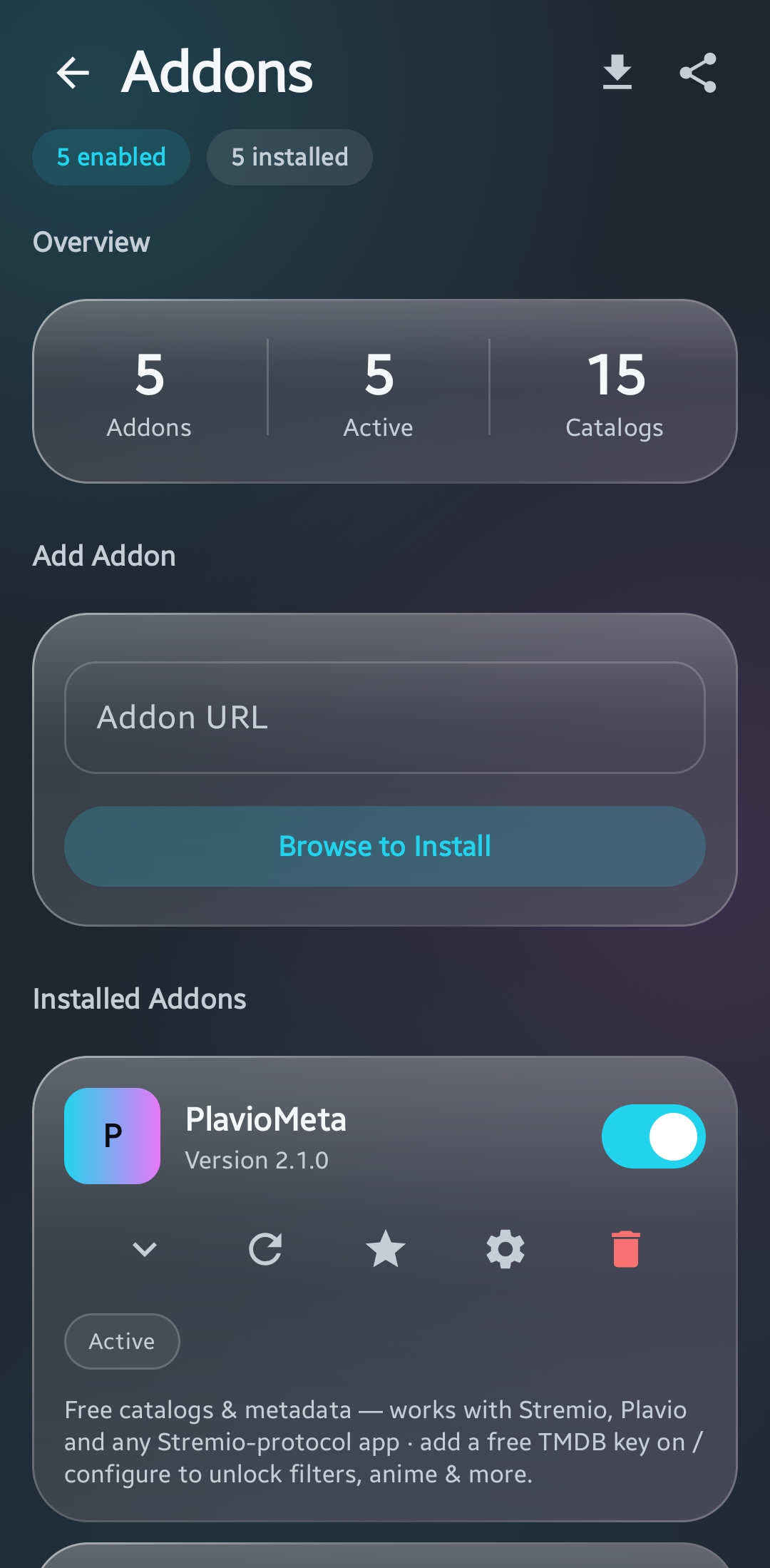
Your setup, all in one place
Current app screenshots supplied by the project owner. Screens show an example setup; content and availability depend on your addons and sources.
BUILD YOUR SETUP
Addons connect Plavio to catalogs, metadata, and sources. Start here, then choose what works for you.
Posters, trailers, rich title details, and “More like this” recommendations. Made for Plavio.
https://plaviometa.vercel.app/manifest.jsonIn Plavio, open Addons → + and paste this URL.
Set up the PlavioHD addon using its dedicated configuration page.
Configure PlavioHDThe configuration page is hosted separately. If it isn’t available yet, please check back later.
Plavio is a streaming client, not a content provider. Third-party addons control their own content and data practices. Only access content you have the right to watch, and keep addon URLs containing private keys to yourself.
FROM DOWNLOAD TO PLAY
Plavio installs directly on your Android phone or tablet. No Play Store required.
Get the APKUse the official download below. Open the file from your notification or Downloads folder.
If Android asks, allow “Install unknown apps” for the browser or file manager you’re using. Only install files from sources you trust.
Tap Install, open Plavio, and explore your addons. You can turn that installation permission off again afterward.
THE LATEST / v0.11.4
The latest release brings account backup and sync, Live TV fixes, adaptive quality, a frosted-glass look, and a refreshed Sources screen.
Cloud sync is optional and requires an account. See the privacy policy for what is backed up.
Read the release notesA FEW THINGS TO KNOW
Yes. Plavio is free and open source under the MIT license, with no in-app ads. Third-party addons and services have their own terms and may have separate requirements.
Android phones and tablets running Android 8.0 or newer. Plavio is mobile-only; the Android TV app has been discontinued. This download is not an iOS, desktop, or TV app.
No. You can use Plavio without a Plavio Cloud account. Signing in enables optional backup and sync. Ordinary library sync is not end-to-end encrypted; separately protected credential sync has its own passphrase. See the Privacy Policy for details.
Open Addons, tap +, and paste the addon’s manifest URL. Plavio validates the addon and adds its catalogs. Some addons are preconfigured, and you can disable addons you don’t want.
Optional telemetry is off by default. The app still makes network requests to addon, metadata, update, and other providers. Those services have their own data practices. This website has no analytics scripts or embedded third-party media. Read the full Privacy Policy.
Plavio can check for a new version and offer to install it. Android may ask you to approve the installation. Automatic checks can be disabled in Settings → About, and official APKs are also available on GitHub Releases.
YOUR NEXT WATCH STARTS HERE
Free. Open source. Made for Android.
Download Plavio v0.11.4Android 8.0+ · Phones & tablets · Direct APK download
Installing outside the Play Store? Read the installation guide.